Updated: Aug 19, 2025
When startups think about SOC 2, they often jump straight to logging, firewalls, or backup policies. But if your identity setup is flawed, everything else is a distraction.
Microsoft Entra is more than just Azure AD with a new name. For start-ups building on Azure, it is the control plane for access, privilege, and accountability the very things SOC 2 auditors prioritise.
In this post, we look at the identity governance features that matter most when preparing for an audit, and the common gaps that can delay your report.
What SOC 2 wants to see from your identity system
SOC 2 does not require a specific vendor. But it does require that you:
Control who has access to what
Justify elevated access (admin, contributor, etc)
Remove access promptly when people leave
Review permissions regularly
Log and audit access attempts and changes
Microsoft Entra can do all of this if you set it up correctly.
Common gaps in start-up Entra configurations
Standing admin access
Users are assigned permanent Owner or Contributor roles
No elevation process, no approvals, no time limits
No use of Privileged Identity Management (PIM)
Access is not Just-in-Time
No approval workflows, notifications, or audit logs
Over-reliance on groups without scoping
Groups are used, but not linked to roles or RBAC scopes
Access review is manual or not performed at all
No regular access reviews
Users accumulate access over time
Offboarding is inconsistent or undocumented
Audit logs not enabled or retained
Entra logs are not sent to Log Analytics
Alerting is reactive or missing altogether
What good looks like
Entra PIM is used for all admin-level access, with time-bound elevation and justification required
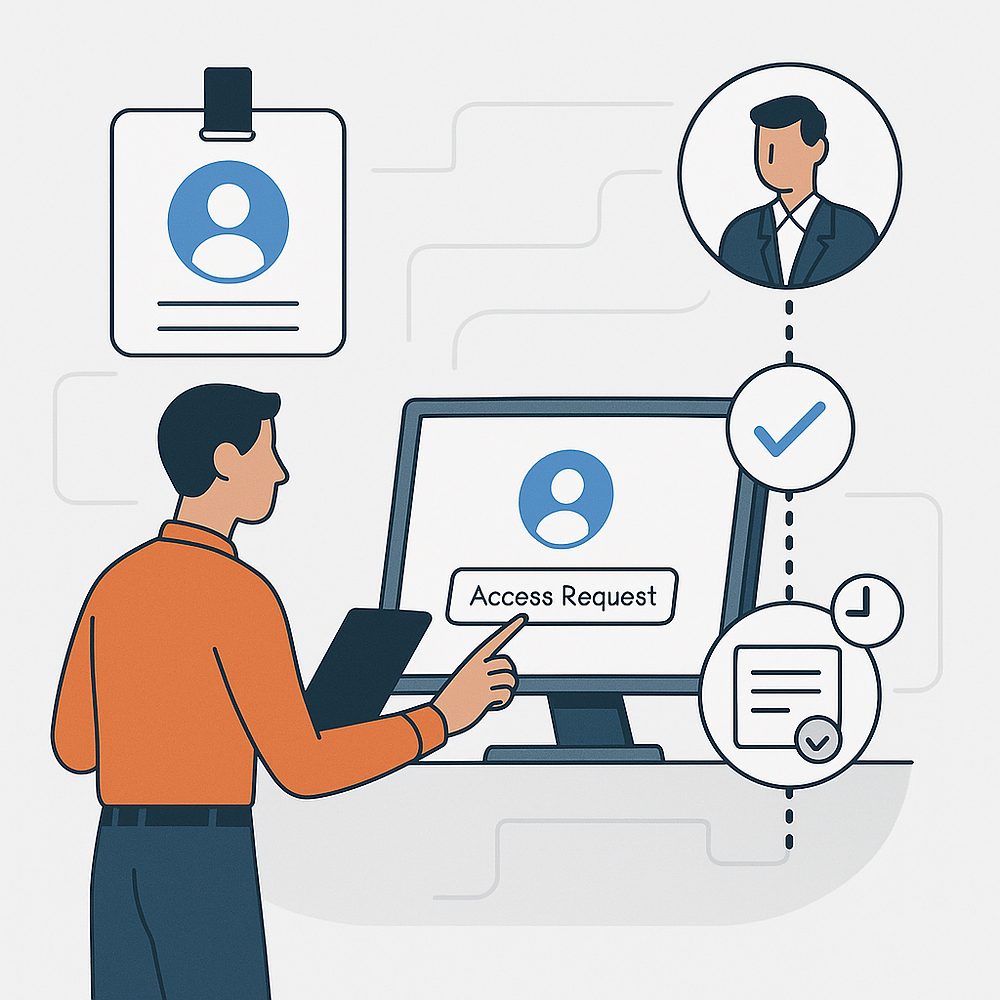
Access requests go through approval workflows
All roles and groups have defined owners
Access reviews are configured on a quarterly basis and enforced
Audit logs are exported to Log Analytics or Sentinel with retention set for at least one year
These steps are not about ticking boxes. They are about proving, with evidence, that you are in control of who can do what in your cloud environment.
Why this matters beyond the audit
Good identity governance:
Limits blast radius when accounts are compromised
Keeps your RBAC model simple and scalable
Avoids cloud cost surprises from unused privileged roles
Builds muscle for future frameworks like ISO 27001, HITRUST, or FedRAMP
And most of all, it shows customers and auditors that you are serious about security — not just running scripts.
How we help
Our Azure Compliance and Cost Audit includes:
A review of your Microsoft Entra configuration
Checks for PIM coverage, role usage, and audit readiness
Clear remediation steps with minimum disruption to your team
Optional walkthrough of changes with your engineer or DevOps lead
You do not need an enterprise license to get the basics right. You just need a process and someone who knows what matters to auditors.
Want to test your identity posture?
Download the SOC 2 Readiness Checklist. Includes a one-page Entra governance check you can run yourself.
Or book a 2-day Azure Compliance Audit. We’ll surface the risks before your auditor does.